 CapiBrowser
· 4 min read
Average Screen Time by Age: What Experts Recommend
Learn the recommended screen time limits by age and how to make your child’s digital time healthier, safer, and more meaningful.
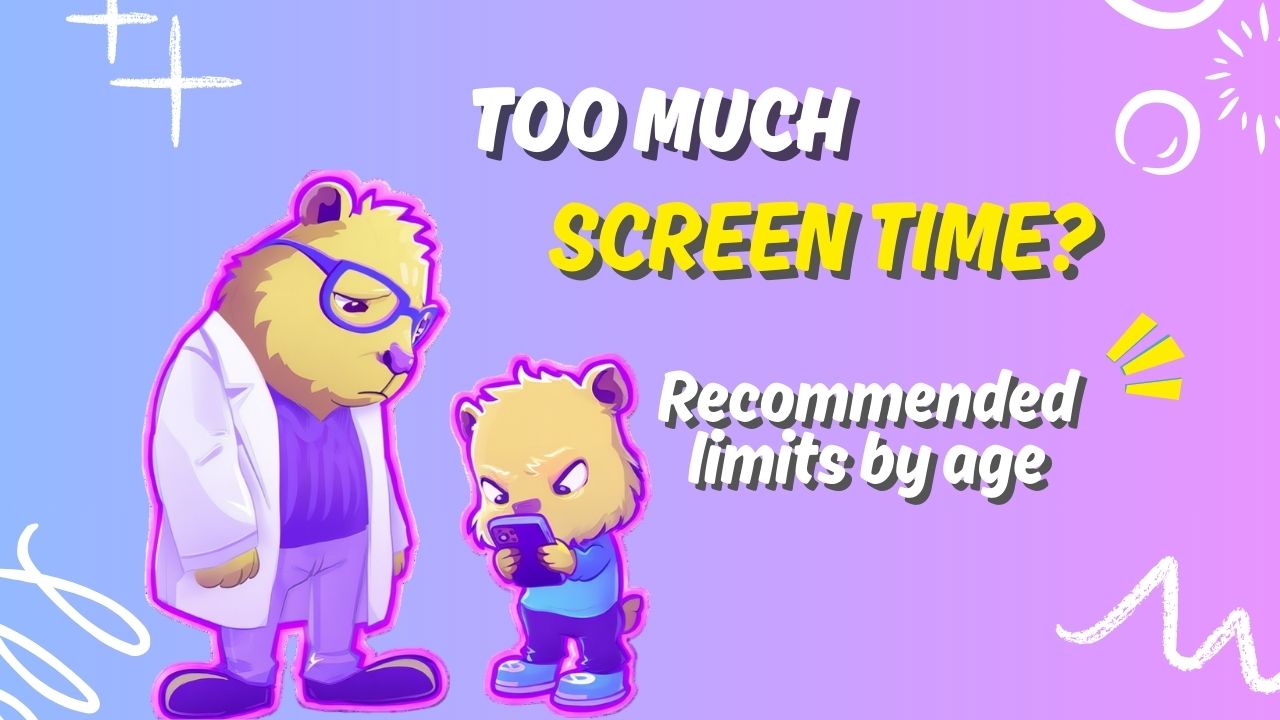
Average Screen Time by Age: What Experts Recommend
In today’s digital world, screens are everywhere — from phones and tablets to TVs and laptops. Understandably, many parents worry about how much time their children spend in front of screens and how it might affect their development.
Below we’ll outline average screen time by age, recommended limits from health experts, and explain why the quality of screen time matters just as much as the amount. Finally, we’ll show how a tool like CapiBrowser can help make screen time healthier and more purposeful.
Recommended Screen Time Limits by Age
Health experts have developed guidelines to help parents balance screen use with healthy development — especially for young children.
Infants and Toddlers (0–2 years)
Recommended: No screen time, except for video chatting with family.
- Introduce screens very slowly and only with high-quality content if the child is 18–24 months old.
- Avoid passive watching entirely for infants under 18 months.
Young Children (2–5 years)
Recommended: No more than 1 hour per day of high-quality programming.
This screen time should be shared with caregivers so adults can help children understand what they’re watching.
School-Age Children (6 years and older)
Recommended: Up to 2 hours per day of recreational screen time (not including school-related work).
Experts emphasize that this time should be used meaningfully and balanced with offline activities like play, reading, and social interaction.
What Kids Are Actually Doing: Average Screen Time by Age
Recent surveys show that many children exceed expert recommendations:
Under 2 years: ~1 hr 3 min per day on average.
Ages 2–4: ~2 hrs 8 min per day.
Ages 5–8: ~3 hrs 28 min per day.
(These figures include TV, devices, and other screen media.)
These averages don’t necessarily include educational screen time like homework or interactive learning apps — but they do show that many families exceed guideline amounts, especially for video, YouTube, and gaming content.
Why Quality Matters More Than Just Minutes
It’s easy to think of screen time as simply a number — like “2 hours per day” — but research and expert guidance make it clear that how screen time is used is just as important as how much.
Development Matters
High amounts of passive screen exposure — like endless scrolling, automatic video play, or purely entertainment content — have been linked to:
- delays in language development in toddlers
- behavioral and attention problems in older kids
- increased sedentary behavior and sleep disruptions
Studies also show that screens can displace active play, social interaction, and reading, all of which are vital for healthy development.
This means that two children with the same amount of screen time could have very different outcomes depending on what they’re doing on screens — educational learning or passive entertainment — and how adults are involved in the experience.
Quality Screen Time: What It Looks Like
Experts recommend:
✔ Co-viewing with parents or caregivers
✔ Choosing educational, age-appropriate content
✔ Setting clear rules and routines
✔ Balancing screen time with offline activities
✔ Minimising passive scrolling and addictive formats
Quality screen time is interactive, goal-oriented, and engaged with context — not just endless watching.
How CapiBrowser Helps Improve the Quality of Screen Time
While average screen time numbers are useful, parents often struggle with ensuring that digital time is meaningful rather than passive or unhealthy. That’s where CapiBrowser comes in.
Whitelisting for Better Content
With CapiBrowser, parents can whitelist only approved websites and YouTube channels — meaning children only access content you choose and trust.
This helps ensure that screen time is educational, positive, and age-appropriate.
Blocking Distracting Formats
CapiBrowser also blocks YouTube Shorts and similar addictive content, which can otherwise extend screen time far beyond what’s intended and encourage passive scrolling.
This supports better attention, focus, and purpose in digital use.
Screen Time Limits Built In
Unlike generic browsers, CapiBrowser lets parents set trusted time limits per site or category, helping keep screen use balanced without constant adult supervision.
Encouraging Intentional Use
CapiBrowser’s design encourages time spent on valuable content, not aimless browsing. This aligns with expert recommendations to prioritise high-quality screen experiences over simply limiting minutes.
📌 Bottom Line: Time and Quality
Screen time guidelines are a great starting point, but they’re not the whole story. What matters most is:
✔ How screen time supports learning and development
✔ Whether children engage with content intentionally
✔ How parents guide and contextualize screen use
By combining sensible screen time limits with tools like CapiBrowser that help improve content quality, parents can help their children enjoy digital media in a way that supports growth, curiosity, and balance.
CapiBrowser is free, easy to set up, and designed to help kids enjoy the internet without falling into harmful or addictive content loops.
👉 Download CapiBrowser on iOS or Android and take control of your child’s digital world.