 CapiBrowser
· 4 min read
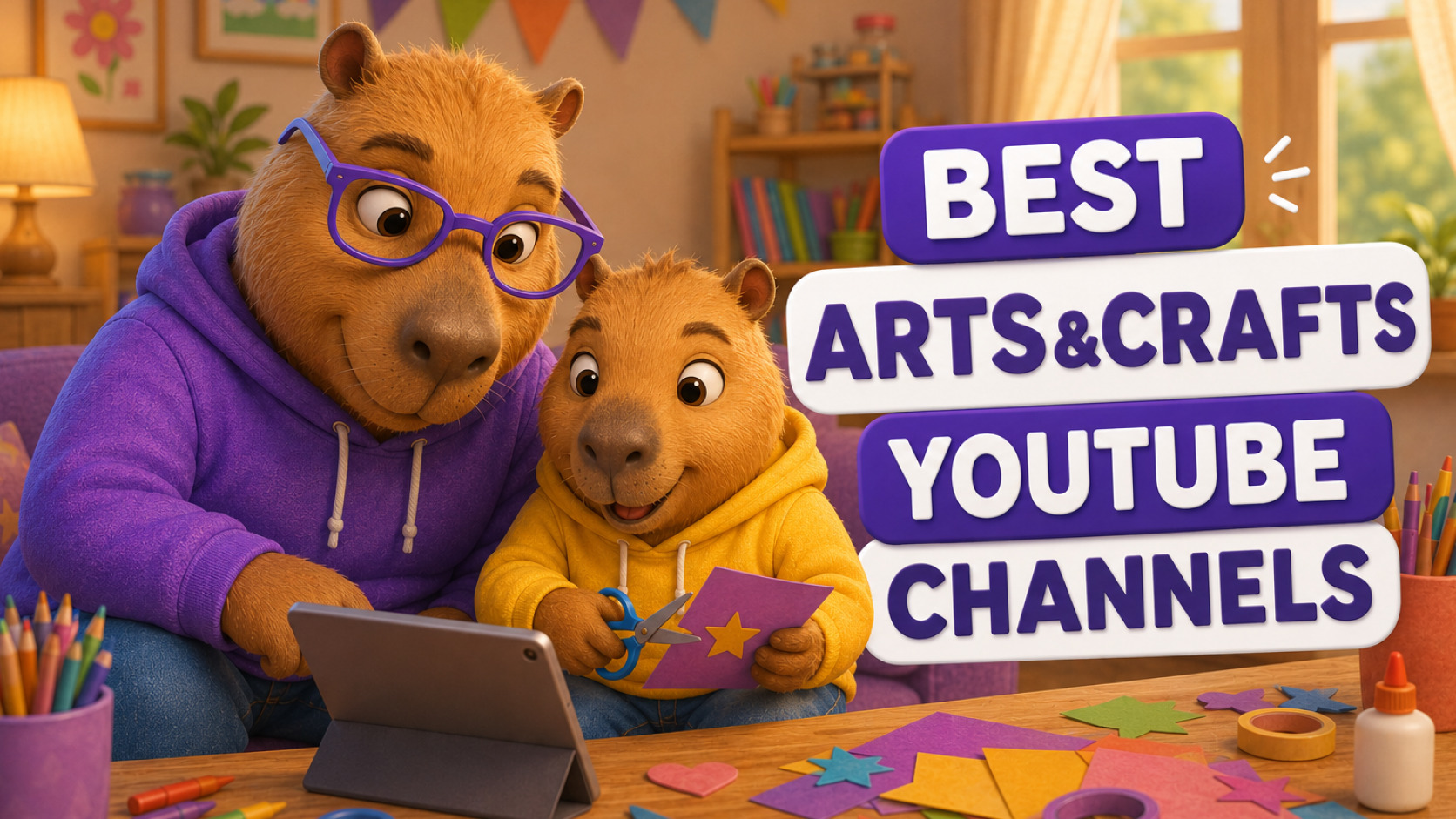
Best Arts & Crafts YouTube Channels for Kids
Looking for the best arts and crafts YouTube channels for kids? Discover 5 creative channels for kids.
Best Arts & Crafts YouTube Channels for Kids in 2026
Screen time doesn’t have to mean passive scrolling. The right arts and crafts YouTube channels for kids can turn a tablet or a smartphone into a mini art studio — teaching drawing, painting, origami, and DIY crafts while keeping little hands busy and imaginations firing.
Creative YouTube channels offer real benefits beyond just keeping kids entertained:
- Fine motor skill development through drawing, cutting, and folding
- Patience and focus, since most tutorials require following multi-step instructions
- Confidence building as kids finish a project and see a real result
- A screen-time alternative that leads to an offline activity instead of more scrolling
Below, we’ve broken down the top channels for kids.
1. Art for Kids Hub (@artforkidshub)
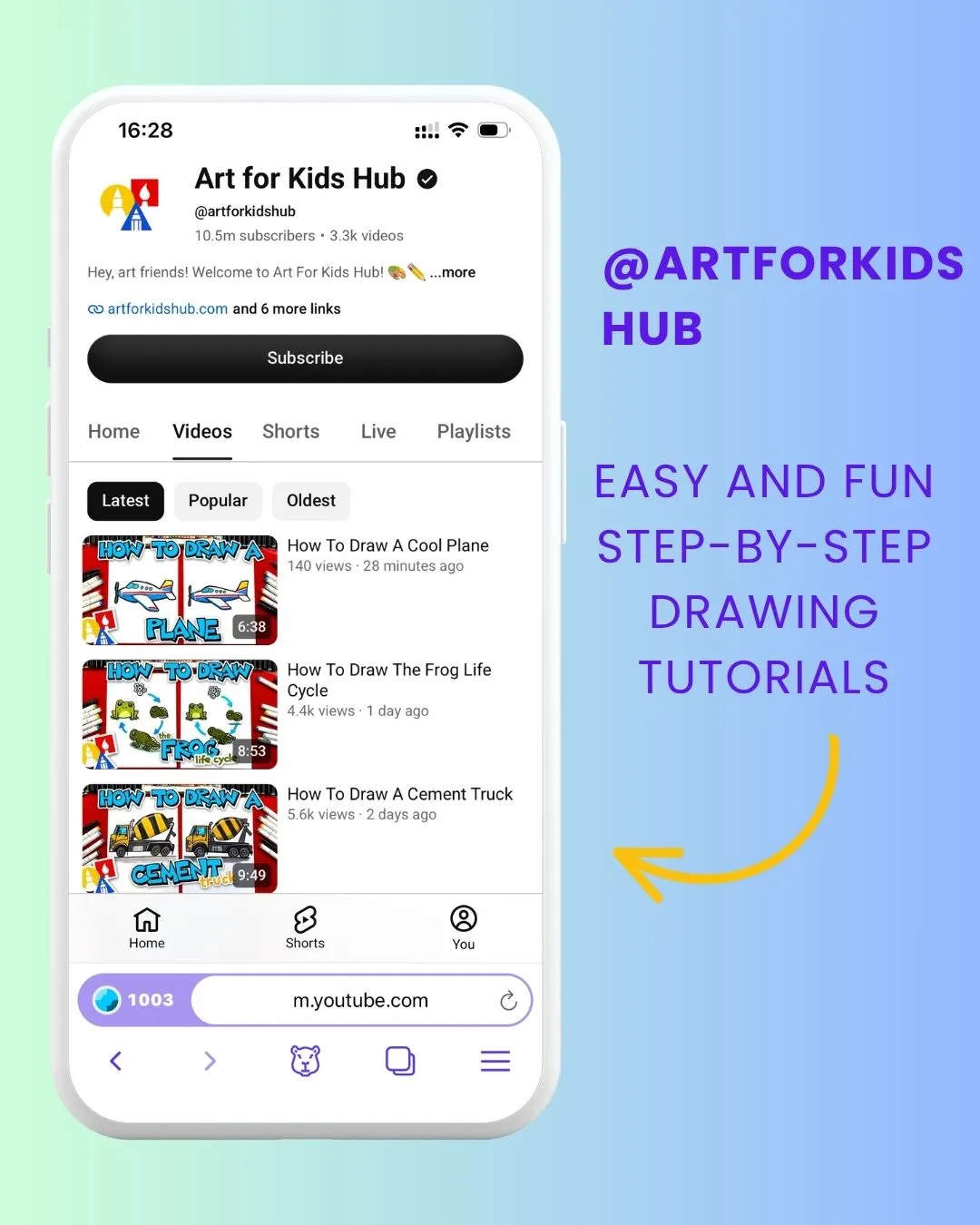
Best for: Step-by-step drawing tutorials
Art for Kids Hub is a great starting point for children who enjoy drawing. The channel has a huge variety of easy-to-follow tutorials covering animals, food, vehicles, characters, holidays, and more. Each drawing is broken down into simple steps, making it accessible even for beginners.
Kids can simply grab some paper and a pencil or marker and follow along. The videos also work well as a family activity—parents and kids can draw together, compare their creations, and add their own creative touches.
2. Draw So Cute (@DrawSoCute)
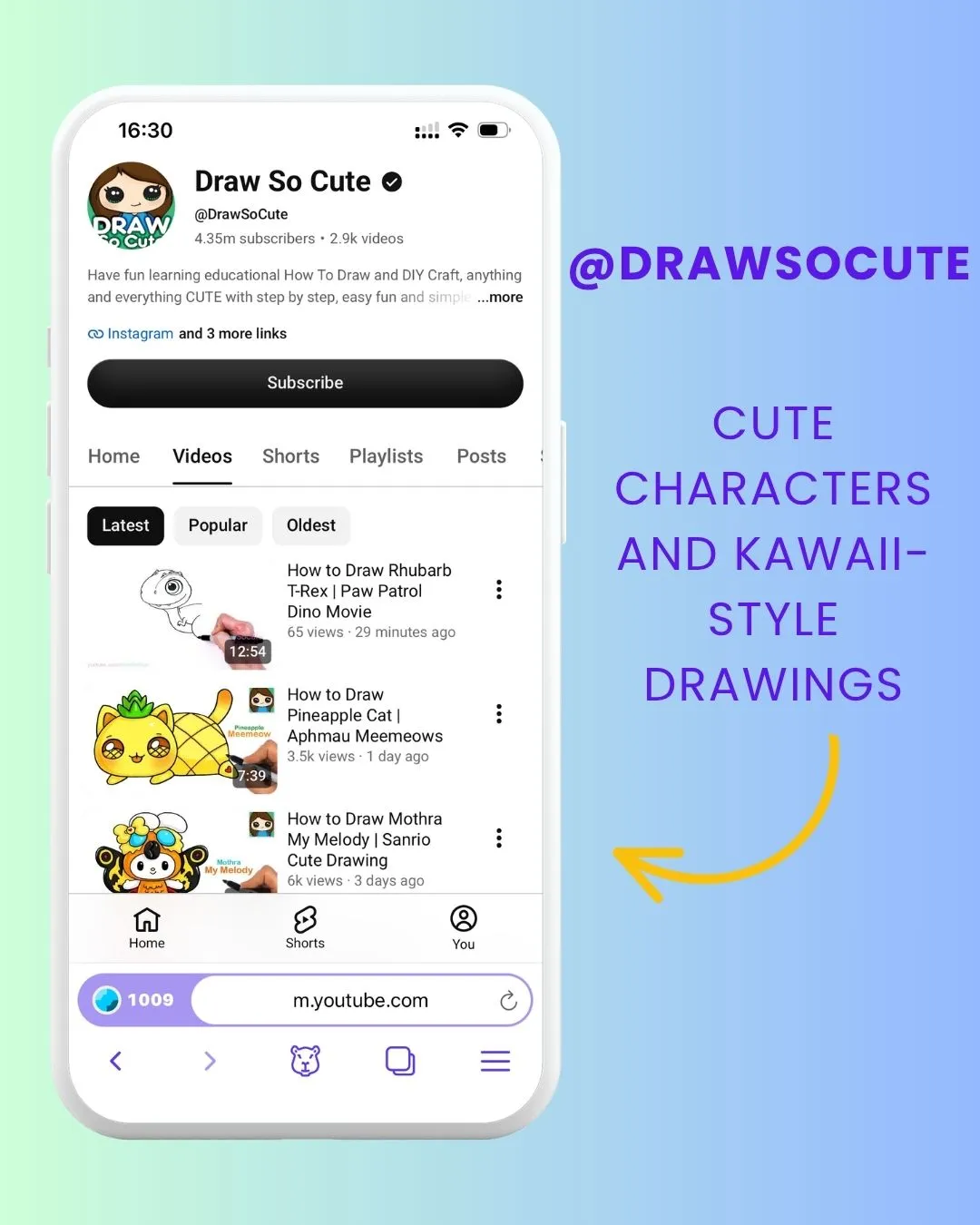
Best for: Cute characters and kawaii-style drawings
If your child loves adorable animals, characters, and colorful illustrations, Draw So Cute is worth checking out. The channel focuses on simple drawing tutorials that gradually build an illustration from basic shapes into a finished picture.
The playful style can make drawing especially appealing to younger artists. Kids can follow the tutorial closely or use it as inspiration to create their own characters, change the colors, and add new details.
3. The Easy Art (@Theeasyart)
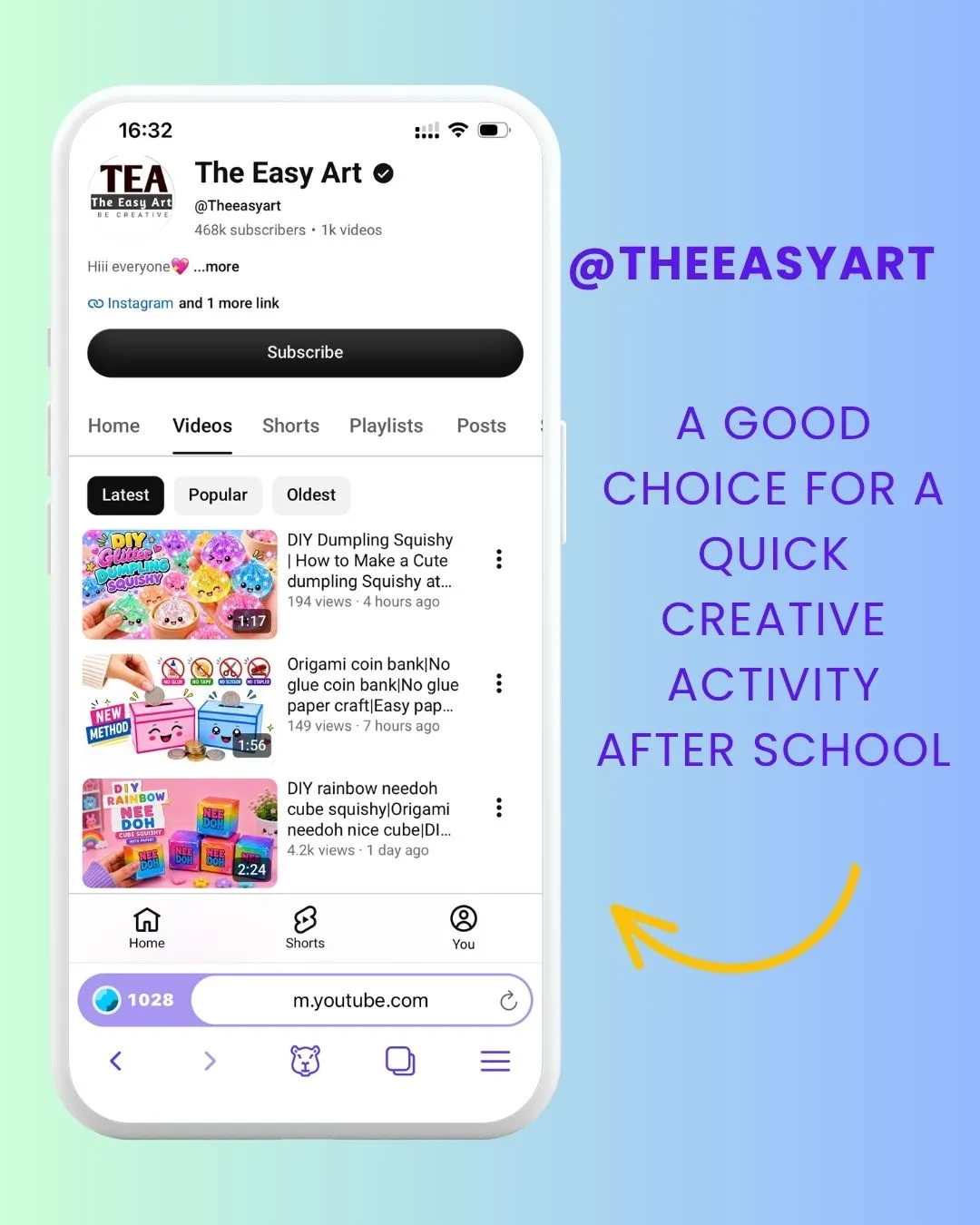
Best for: Simple drawing ideas
Sometimes kids don’t need a complicated project — they just need an idea to get started. The Easy Art offers straightforward drawing tutorials that can help children overcome the dreaded blank page and discover something new to draw.
The simple format makes these videos a good choice for beginners or for a quick creative activity after school. Once kids understand the basic idea, encourage them to change the colors, add details, or create their own version.
4. 123 Easy Paper Crafts DIY (@123EasyPaperCraftsDIY)
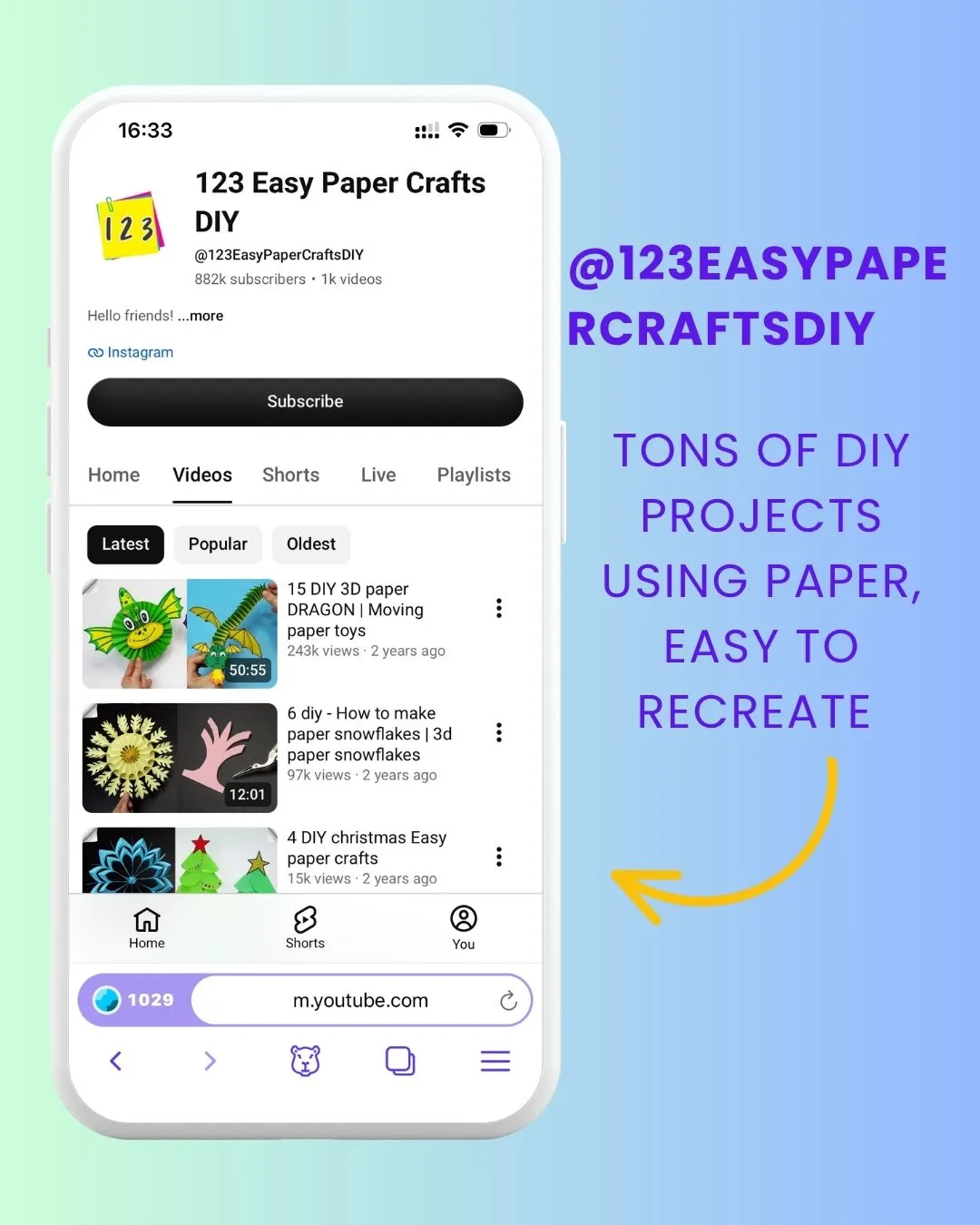
Best for: Hands-on paper crafts
For kids who prefer making things with their hands, 123 Easy Paper Crafts DIY offers plenty of creative projects using paper and other simple materials. Children can follow instructions to cut, fold, glue, and turn everyday materials into something new.
These videos are also a great way to make screen time more active. Kids can watch a step, pause the video, and work on the project before continuing. For younger children, parents should supervise projects involving scissors or other tools.
5. KIDS crafts (@KIDScrafts)
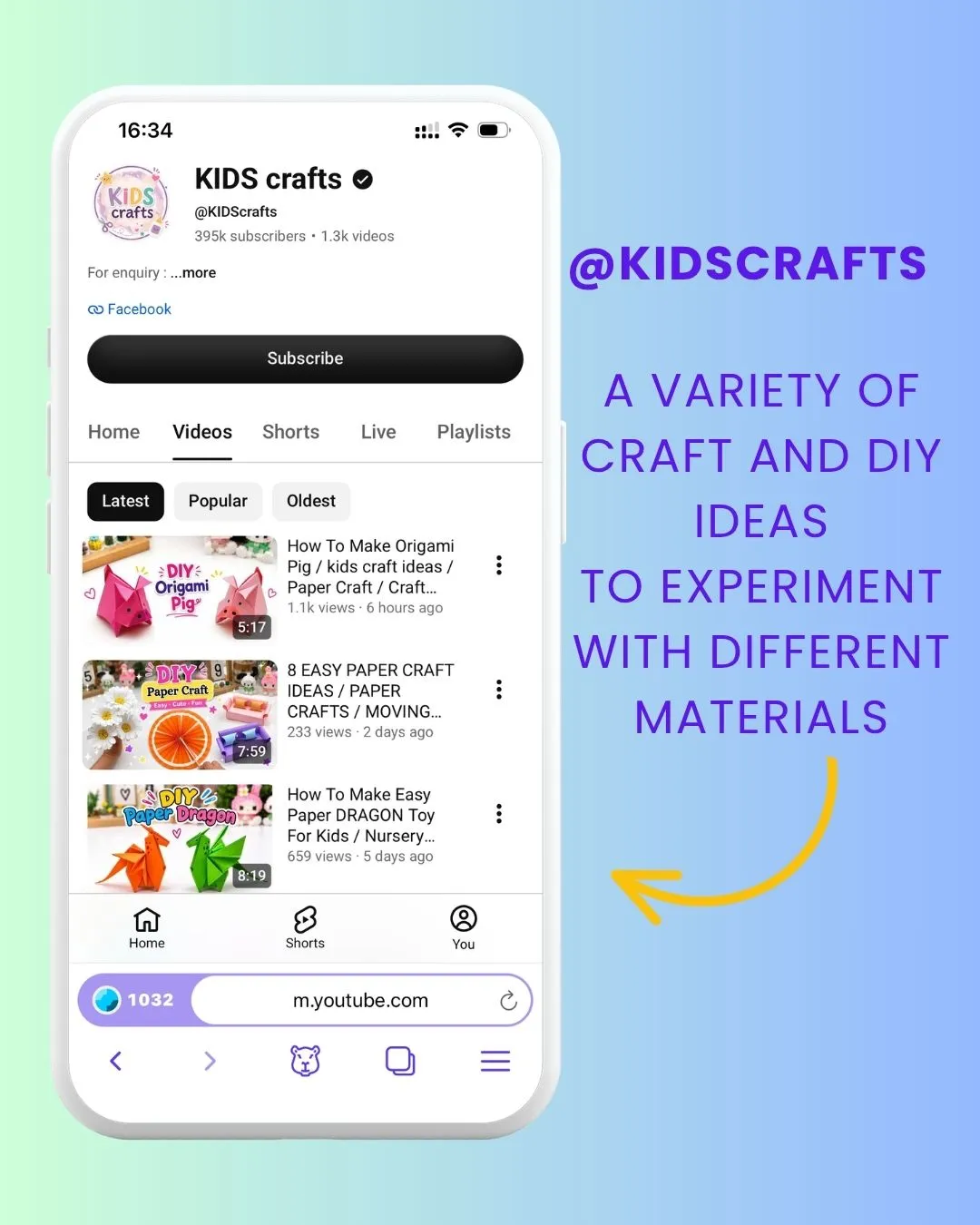
Best for: Variety of DIY projects
KIDS Crafts is a good choice for children who like trying something different every time. The channel offers a variety of craft and DIY ideas, giving kids plenty of opportunities to experiment with different materials and creative techniques.
Having lots of projects to choose from can be especially useful when kids are bored or looking for something to do during weekends and school holidays. They can choose one project, gather whatever materials they already have at home, and start creating.
How to Make Arts & Crafts Screen Time More Meaningful
The best way to use these channels is to treat YouTube as a starting point rather than the whole activity. Let your child choose one project, watch the instructions, pause the video, and spend most of the time actually drawing or crafting. You can also encourage them to change the colors, add their own ideas, or create something completely different.
If you want more control over what your child watches, CapiBrowser can help. Parents can choose which YouTube channels their children can watch and block Shorts, so kids can spend more of their screen time on content you’ve actually chosen for them.
And with CapiBrowser’s Learn & Earn system, kids can manage their screen time themselves. When they watch useful, educational content, they earn Gems that can unlock more time for entertainment.
The goal isn’t to take away screen time. It’s to make the time they already spend on screens more useful.
Get Started with CapiBrowser Today
These YouTube art channels are too good to miss — and with CapiBrowser, your kids can enjoy them safely and independently.
Download CapiBrowser on iOS or Android and turn screen time into creative time.